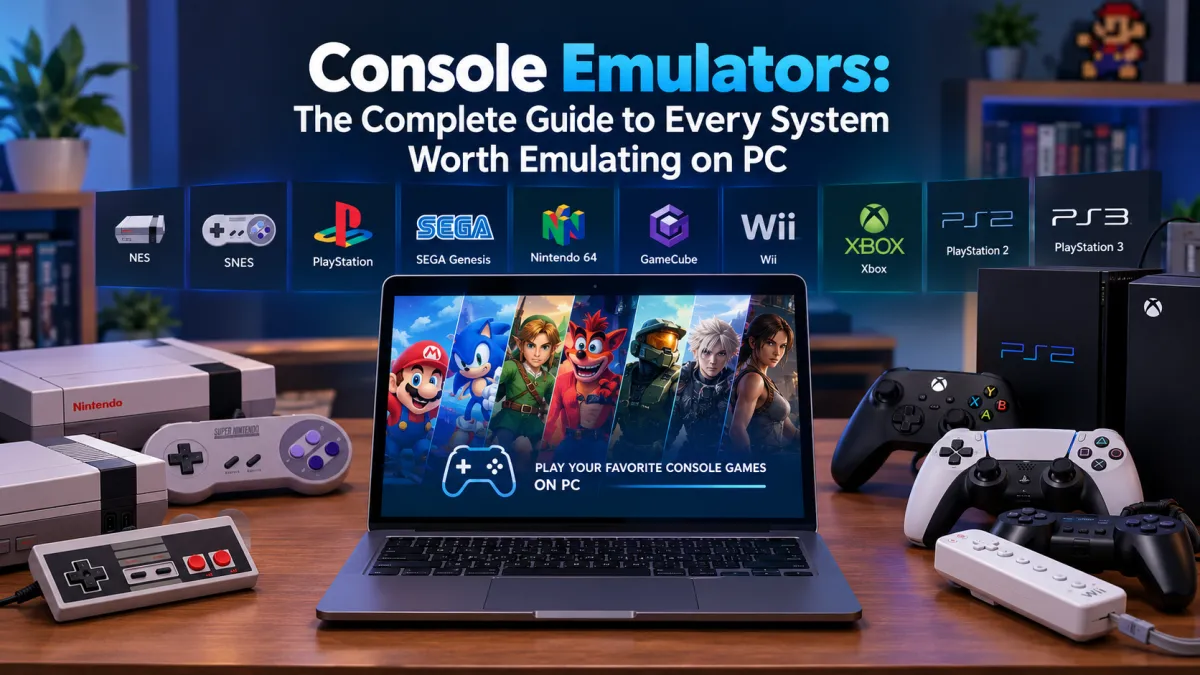
Console Emulators: The Complete Guide to Every System Worth Emulating on PC
Most "best console emulator" articles either try to cover everything in one flat, confusin...


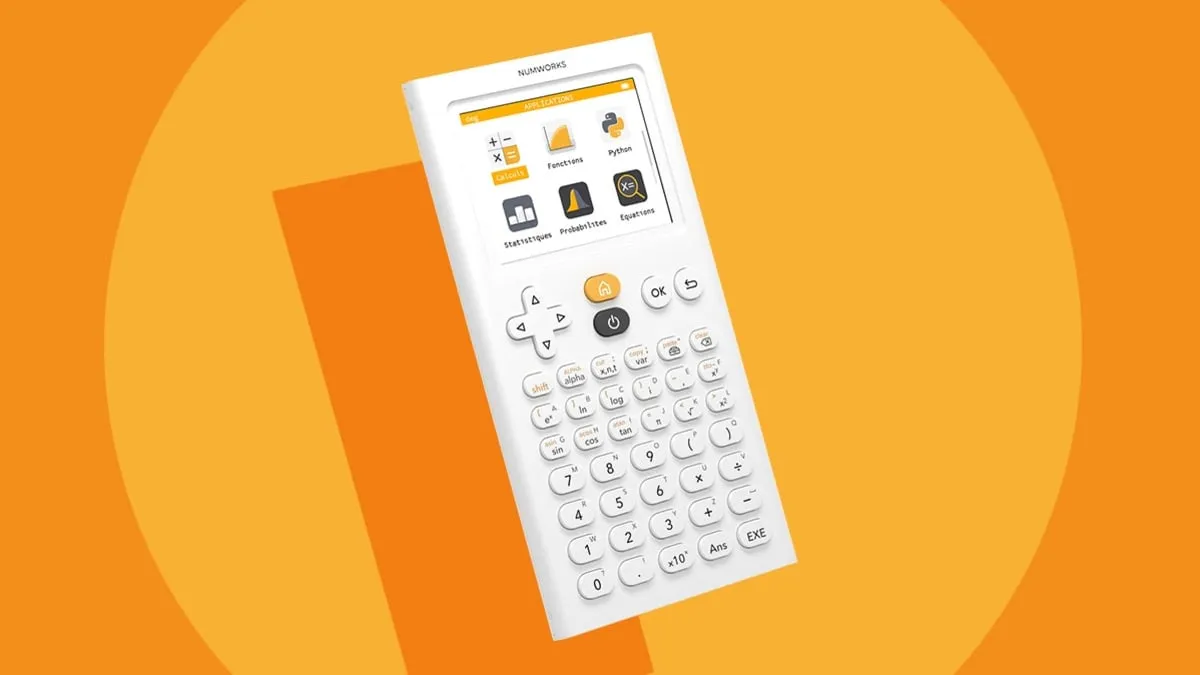
The NumWorks Emulator is a free, user-friendly simulation of the NumWorks graphing calculator, designed for students and educators. It replicates the calculator’s functionality online or offline, supporting graphing, Python scripting, and exam-approved calculations. Ideal for classroom use, remote learning, or personal study, it offers a seamless, intuitive experience across multiple platforms without requiring the physical device.
Any modern processor
512 MB
100 MB of free disk space
Reviews are moderated. Your review will be published after being approved by an administrator.
Have an account? Log in to post a review, or continue below with your name and email.
Get the latest version of NumWorks Emulator and start using it right away.
Free42
Free42 is a free, open-source re-implementation of the HP-42S scientific programmable calculator and HP-82240 printer. It faithfully replicates the original’s functionality, from basic arithmetic to advanced scientific, programming, and matrix operations. Available for multiple platforms, Free42 does not require any HP code or ROM, offering enhanced accuracy and modern compatibility while preserving the classic HP user experience.
Emu48
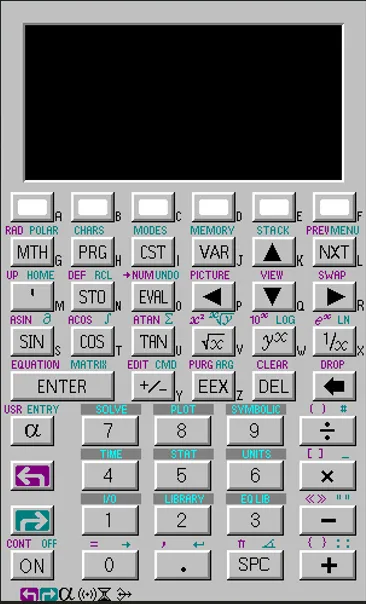
Emu48 is a high-fidelity emulator for HP calculators, supporting models like HP38G, HP39G, HP40G, HP48SX, HP48GX, and HP49G. It runs on Windows, Mac, and mobile platforms, requiring ROM images for operation. The emulator features accurate replication of calculator functionality, including assembly language disassembler and debugger tools, making it essential for engineers, students, and calculator enthusiasts.
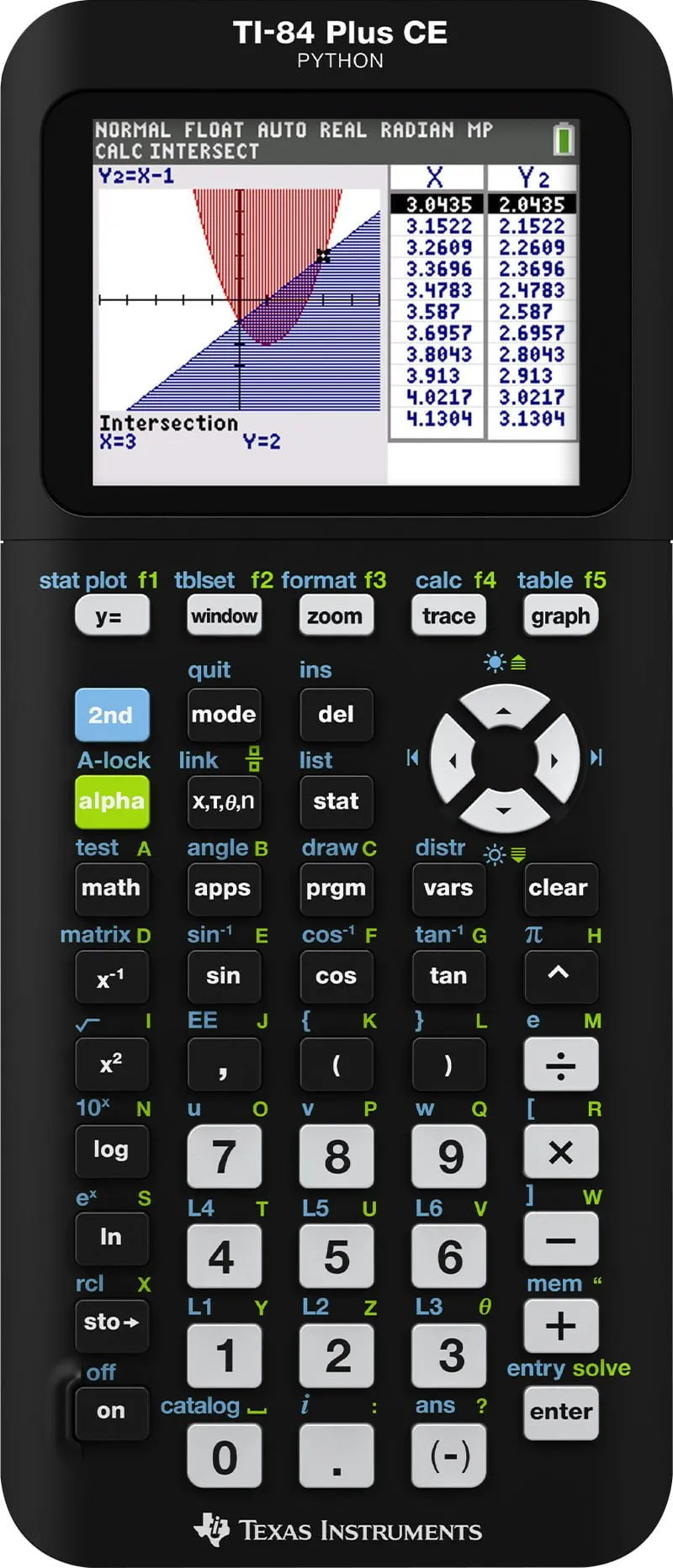
TI-84 Plus
The TI-84 Plus is a powerful graphing calculator designed for high school and college math and science. It features MathPrint™ for proper notation, expanded graphing capabilities, and substantial memory for apps and programs. Approved for major standardized tests, it supports TI-BASIC and assembly programming, making it a versatile, durable tool for students and educators alike.
Plus42
Plus42 is an advanced, open-source scientific programmable calculator, inspired by the legendary HP-42S. Building on Free42, it introduces a larger display, algebraic expressions, unit conversions, directories, financial functions, and 2D plotting. A powerful tool for engineers, scientists, and programmers, Plus42 blends classic RPN simplicity with modern enhancements, offering unmatched versatility for both quick calculations and complex programming tasks.
Fresh guides, news, and insights
Most "best console emulator" articles either try to cover everything in one flat, confusin...
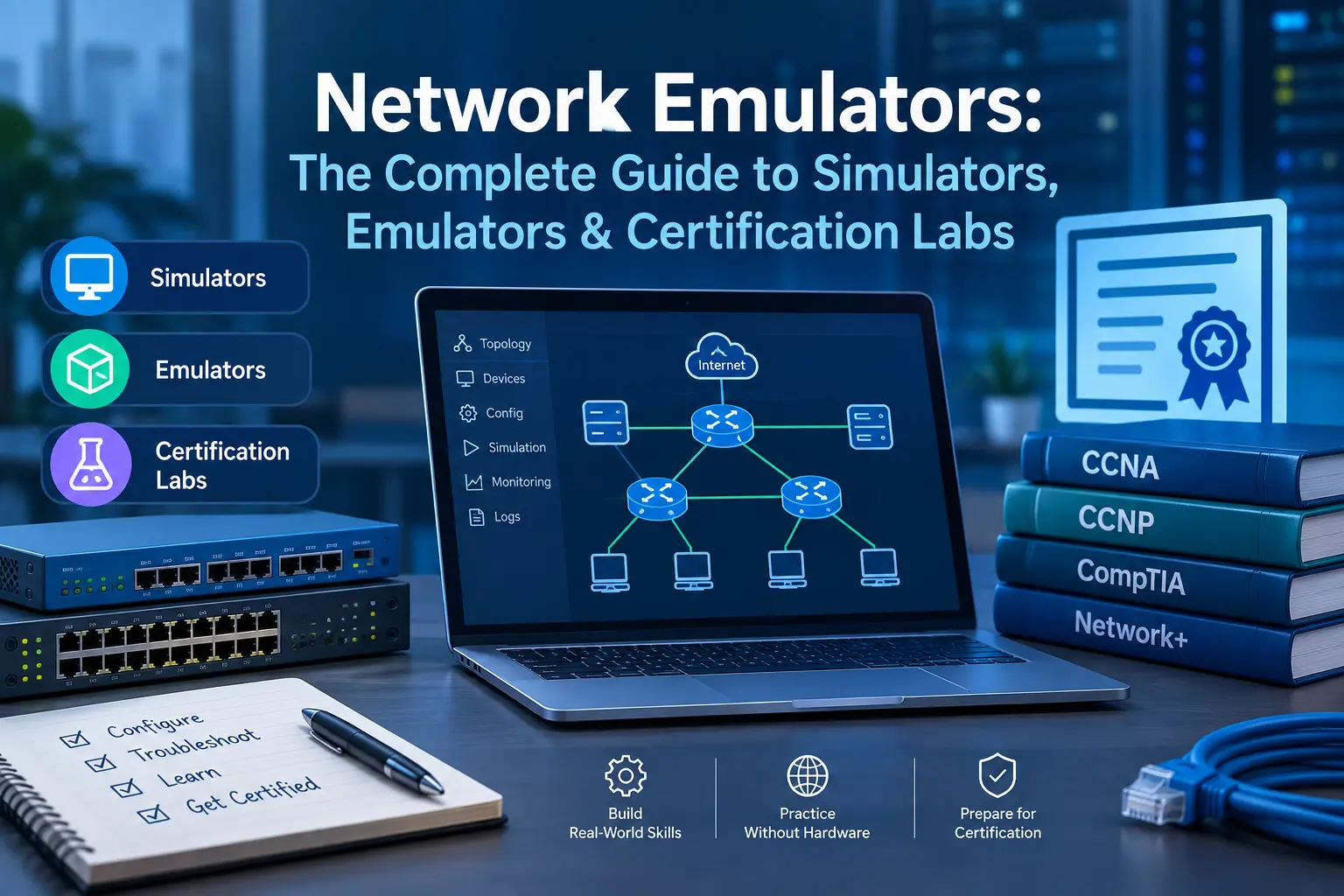
Search "network emulator" and you'll mostly find the same five tools recycled across a doz...
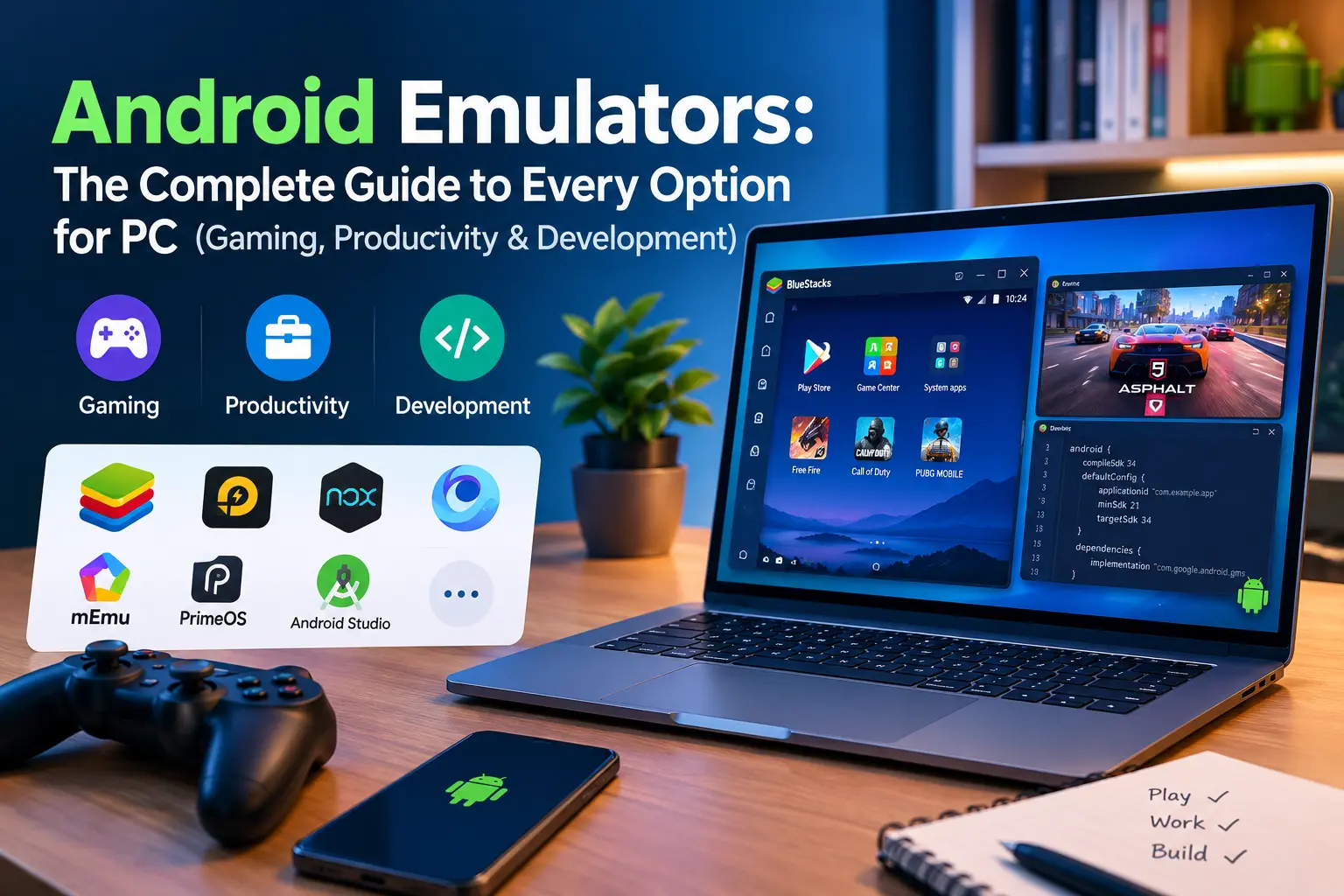
Type "Android emulator" into Google and you'll get no shortage of opinions — most of them...
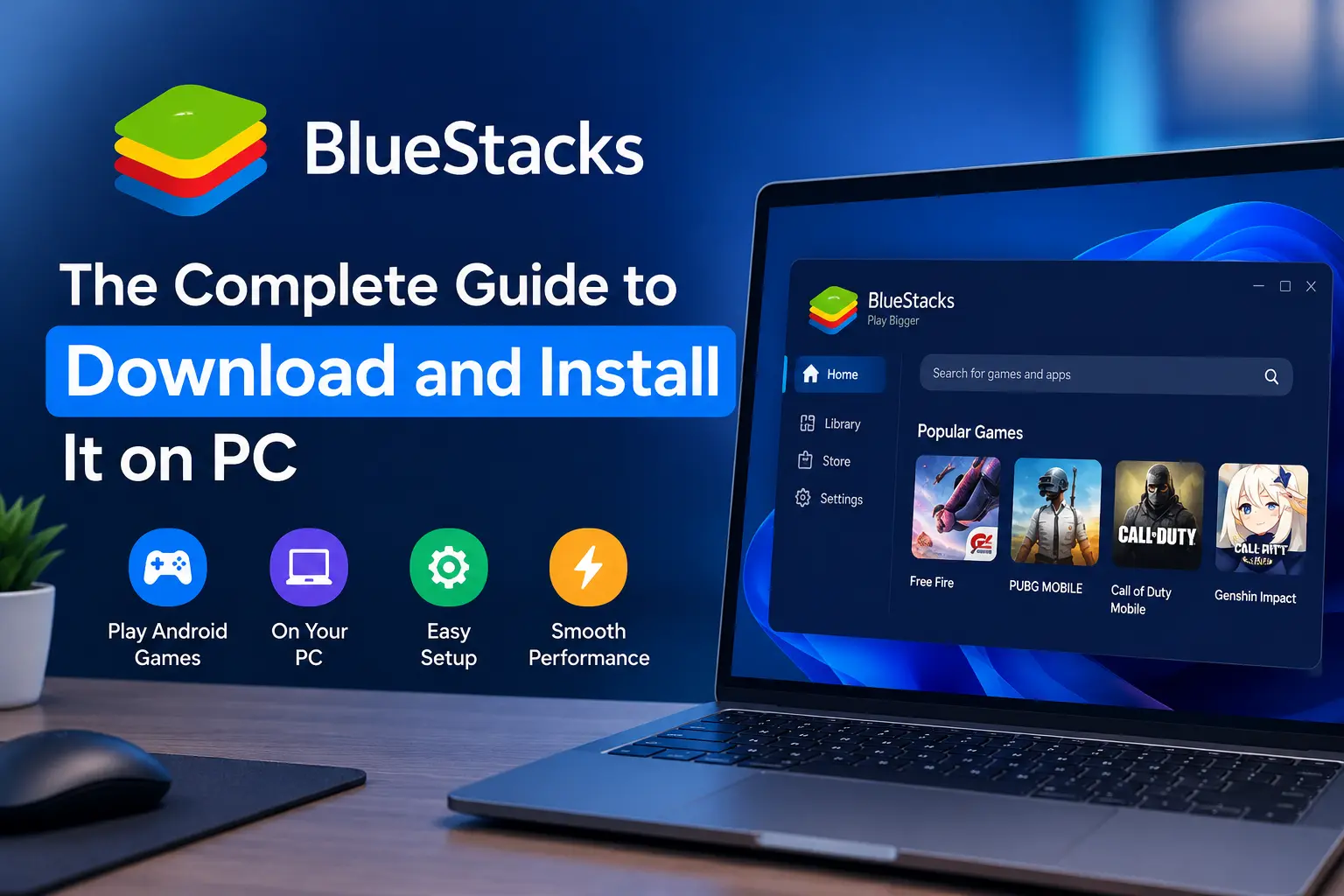
If you've ever wanted to play a mobile game on a bigger screen, or you're testing an Andro...